
Windows the way you want it, in 2 clicks.
Take control of your Windows experience without digging through endless settings. Talon helps you personalize, simplify, and optimize Windows in minutes, and you don't need to be a technical expert to use it.


Windows Optimization Without the Trade-Offs
Windows has become bloated with AI integrations, background processes, and endless annoyances that make using your system a chore. There are even advertisements in your notifications. This degrades your system's performance with longer load times and useless features, and makes it more annoying to use your computer.
There are other tools available which provide cleaner Windows experiences, but they often require technical knowledge, time, and manually configuring complex settings. Many also result in degraded system stability and security, as well as disabling or breaking crucial functionalities. This often results in users simply putting up with a worse Windows experience.
This is where Talon comes in. Talon is a Windows optimization utility designed to debloat your system and make it feel faster and snappier. This is achieved by optimizing various aspects of the system without breaking important functionality. Read more to see how Talon compares to alternatives.
Talon Compared to the Alternatives
 Based on our review and analysis of each tool in early 2026. This table is intended as a general reference point, not a universal verdict, as no single tool fits everyone. We encourage users to compare their options and choose the tool that best fits their needs.
| Category | Talon | Win11Debloat | AtlasOS | Winhance | ReviOS | WinScript | privacy.sexy | WinSux |
|---|---|---|---|---|---|---|---|---|
|
Debloat Effectiveness
|

|
|
|
|
|

|
|
|
|
Security Preservation
|
|
|
|
|

|
|
|
|
|
System Stability
|
|
|
|
|
|
|
|
|
|
Non-Technical UX
|
|
|
|
|
|
|
|
|
|
Granular Control
|
|
|
|
|
|
|
|
|
|
Run-and-Done Workflow
|
|
|
|
|
|
|
|
|
|
Reliability
|
|
|
|
|
|
|
|
|
|
Active Maintenance
|
|
|
|
|
|
|
|
|
|
Long-Term Debloat
|
|
|
|
|
|
|
|
|
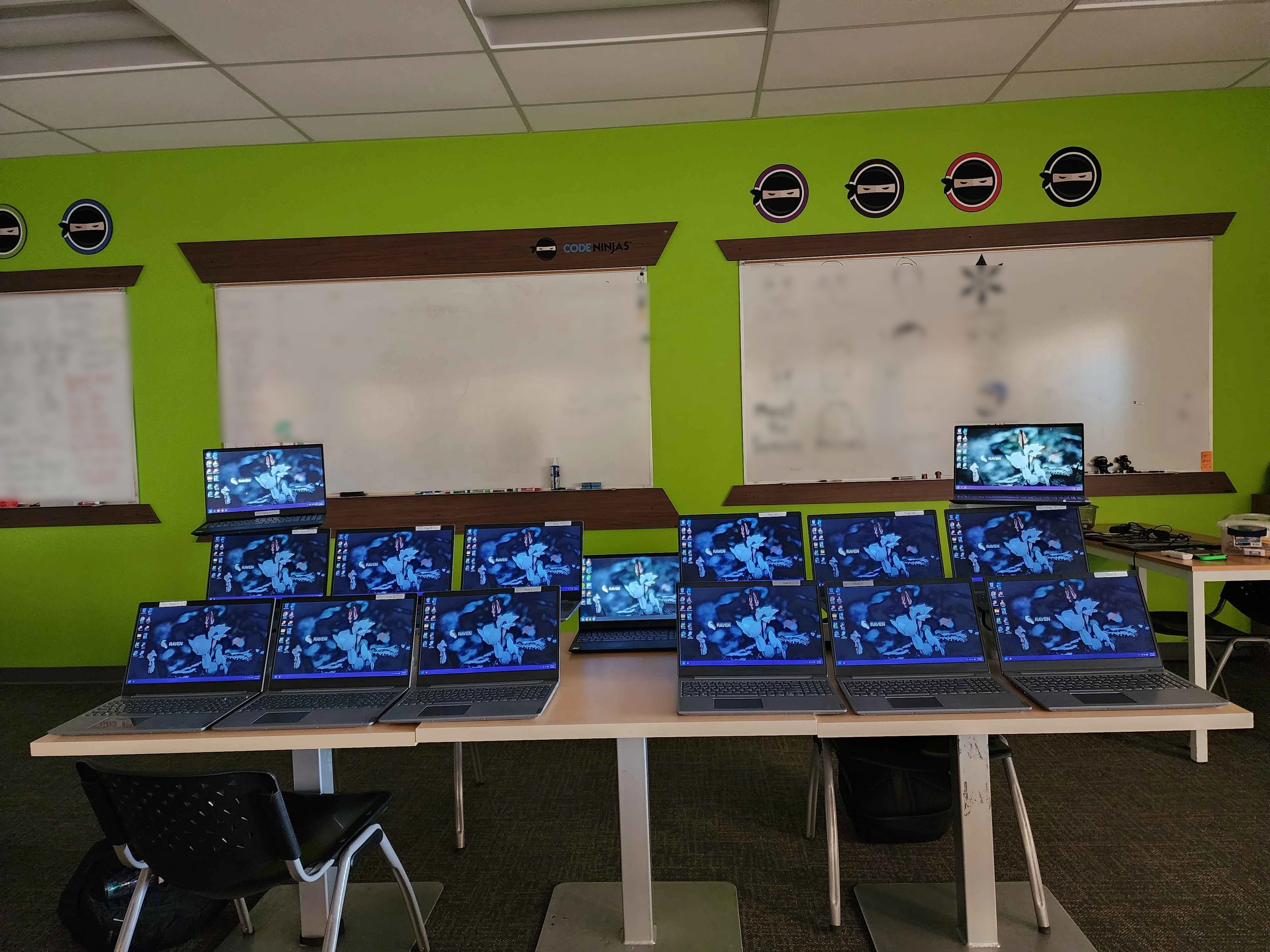
Code Ninjas in South Tulsa, Oklahoma, uses Talon on their laptops. Image provided by Code Ninjas South Tulsa, OK. (March 3, 2025)
"Talon is a game-changer for Windows users who want a cleaner, faster, and more efficient system without the hassle of complex tools or technical know-how."
DTP Tips
"[T]he developer of Talon seems commendably transparent."
Tech Radar
"The end result is a much, much cleaner version of Windows 11."
Beta News
"[P]lease do this right now."
SomeOrdinaryGamers
Talon is open source, licensed under the BSD-3-Clause. The source code is publicly available on GitHub.