
Windows the way you want it, in 2 clicks.
Take control of your Windows experience without digging through endless settings. Talon helps you personalize, simplify, and optimize Windows in minutes, and you don't need to be a technical expert to use it.
downloads counted since March 28, 2026, 3:04 AM UTC


| Community Free | Commercial $199/year |
|---|---|
| For individuals and families using Talon for non-commercial use. Free and open source, forever. | For businesses, MSPs, refurbishers and repair shops, schools, and organizational deployments. Read License |
|
|
|
Open PowerShell as Administrator, then run:
irm https://debloat.win | iexCopied to clipboard
irm https://raventechnologiesgroup.com/talon/run | iexCopied to clipboard
|
|
Windows Optimization Without the Trade-Offs
Windows has become bloated with AI integrations, background processes, and endless annoyances that make using your system a chore. There are even advertisements in your notifications. This degrades your system's performance with longer load times and useless features, and makes it more annoying to use your computer.
There are other tools available which provide cleaner Windows experiences, but they often require technical knowledge, time, and manually configuring complex settings. Many also result in degraded system stability and security, as well as disabling or breaking crucial functionalities. This often results in users simply putting up with a worse Windows experience.
This is where Talon comes in. Talon is a Windows optimization utility initially released on February 11, 2025, designed to debloat your system and make it feel faster and snappier. This is achieved by optimizing various aspects of the system without breaking important functionality. Read more to see how Talon compares to alternatives.
Talon Compared to the Alternatives
 Based on our review and analysis of each tool in early 2026. This table is intended as a general reference point, not a universal verdict, as no single tool fits everyone. We encourage users to compare their options and choose the tool that best fits their needs.
| Category | Talon | Win11Debloat | AtlasOS | Winhance | ReviOS | WinScript | privacy.sexy | WinSux |
|---|---|---|---|---|---|---|---|---|
|
Debloat Effectiveness
|

|
|
|
|
|

|
|
|
|
Security Preservation
|
|
|
|
|

|
|
|
|
|
System Stability
|
|
|
|
|
|
|
|
|
|
Non-Technical UX
|
|
|
|
|
|
|
|
|
|
Granular Control
|
|
|
|
|
|
|
|
|
|
Run-and-Done Workflow
|
|
|
|
|
|
|
|
|
|
Reliability
|
|
|
|
|
|
|
|
|
|
Active Maintenance
|
|
|
|
|
|
|
|
|
|
Long-Term Debloat
|
|
|
|
|
|
|
|
|
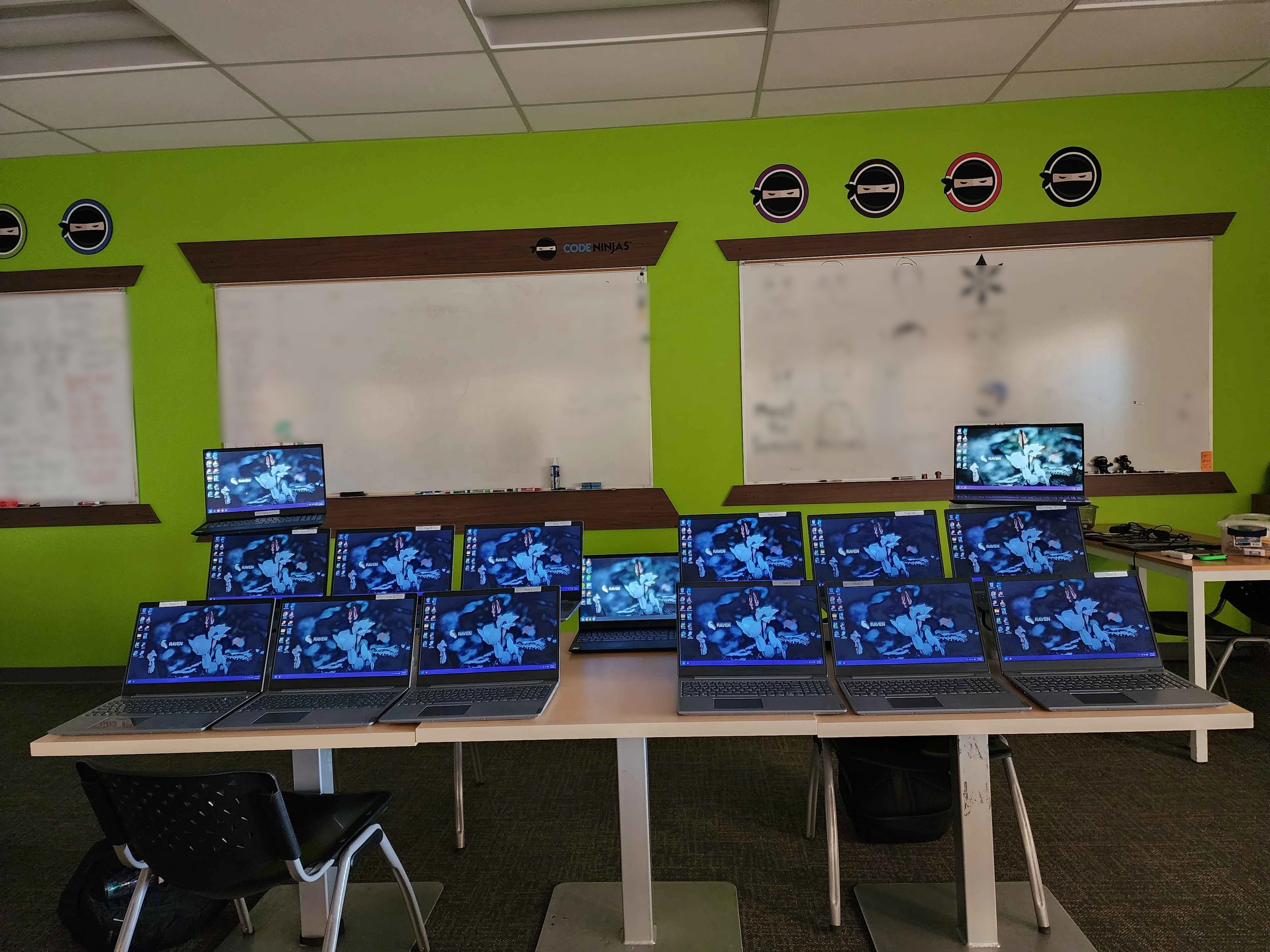
Code Ninjas in South Tulsa, Oklahoma, uses Talon on their laptops. Image provided by Code Ninjas South Tulsa, OK. (March 3, 2025)
"Talon is a game-changer for Windows users who want a cleaner, faster, and more efficient system without the hassle of complex tools or technical know-how."
DTP Tips
"[T]he developer of Talon seems commendably transparent."
Tech Radar
"The end result is a much, much cleaner version of Windows 11."
Beta News
"[P]lease do this right now."
SomeOrdinaryGamers
Frequently Asked Questions
Yes, Talon is open source under the BSD-3-Clause license. The source code is publicly accessible on GitHub.
Talon is indeed safe to use. The source code is publicly available to inspect as it is open source, and Talon has been thoroughly inspected by the public, including John Hammond, a prominent security researcher, in February 2025. If you don't trust the prebuilt EXE we provide on our servers, you can build the program yourself from the source code and use your own build of Talon. We understand that safety is a major concern especially with tools that modify your system, so if you have any questions or concerns, you can reach out to us via email or our community Discord server and we can answer any questions you may have.
Talon can be safely used on already in-use systems or fresh installations. In early versions of Talon, we recommended to only use Talon on fresh installations to avoid potential problems with various system configurations or installed software. However, from our testing, most in-use systems won't cause problems.
Unfortunately not. Talon only supports Windows 11, 24H2 and above. We discontinued support for Windows 10 after Microsoft ended official support of the system.
Yes, with a Commercial license. Talon is designed for both individuals and businesses alike, whether you're a repair shop using Talon on customer devices, or deploying Talon across a fleet of office computers.
The Microsoft Store's functionality is preserved, and will still work after using Talon. A crucial aspect of Talon is ensuring system reliability and stability, and a big component of that is ensuring that important system applications remain present and functional.
Before the optimization process begins, a Review screen is shown with a list on the left, which explains exactly what will happen to your system. Each item in the list can be hovered, explaining the step in more detail. For a more technical explanation, the exact configurations can be viewed in Advanced Settings.
Since Talon is open source, you have the full right to build Talon from the source code and use that copy for commercial purposes without needing a license. For many companies and organizations, however, it is both cheaper and more convenient to use the officially provided binaries from our download infrastructure rather than maintaining their own builds. The commercial licensing also provides priority support, which allows them to get responses faster and any issues resolved quicker.